Sri Geetha Eye Hospitals – Management System
A hospital management interface designed to organise administrative activities, reception billing, laboratory reports, pharmacy inventory and laboratory test configuration. The system brings essential hospital workflows into a unified dashboard with clear navigation and structured information.

About Sri Geetha Eye Hospitals
The hospital management system provides an administrative workspace for accessing patient-related billing, investigation records, laboratory reports and pharmacy inventory. The dashboard presents reception and investigation payment summaries, while the navigation menu provides access to individual management modules.
Key Areas
- Secure administrator login
- Reception billing and payment summaries
- Investigation billing overview
- Laboratory reports and bill filtering
- Expired pharmacy stock monitoring
- Laboratory tests and profiles configuration
Explore the Hospital Management System
An overview of the supplied Sri Geetha Eye Hospitals screens and their visible management features.
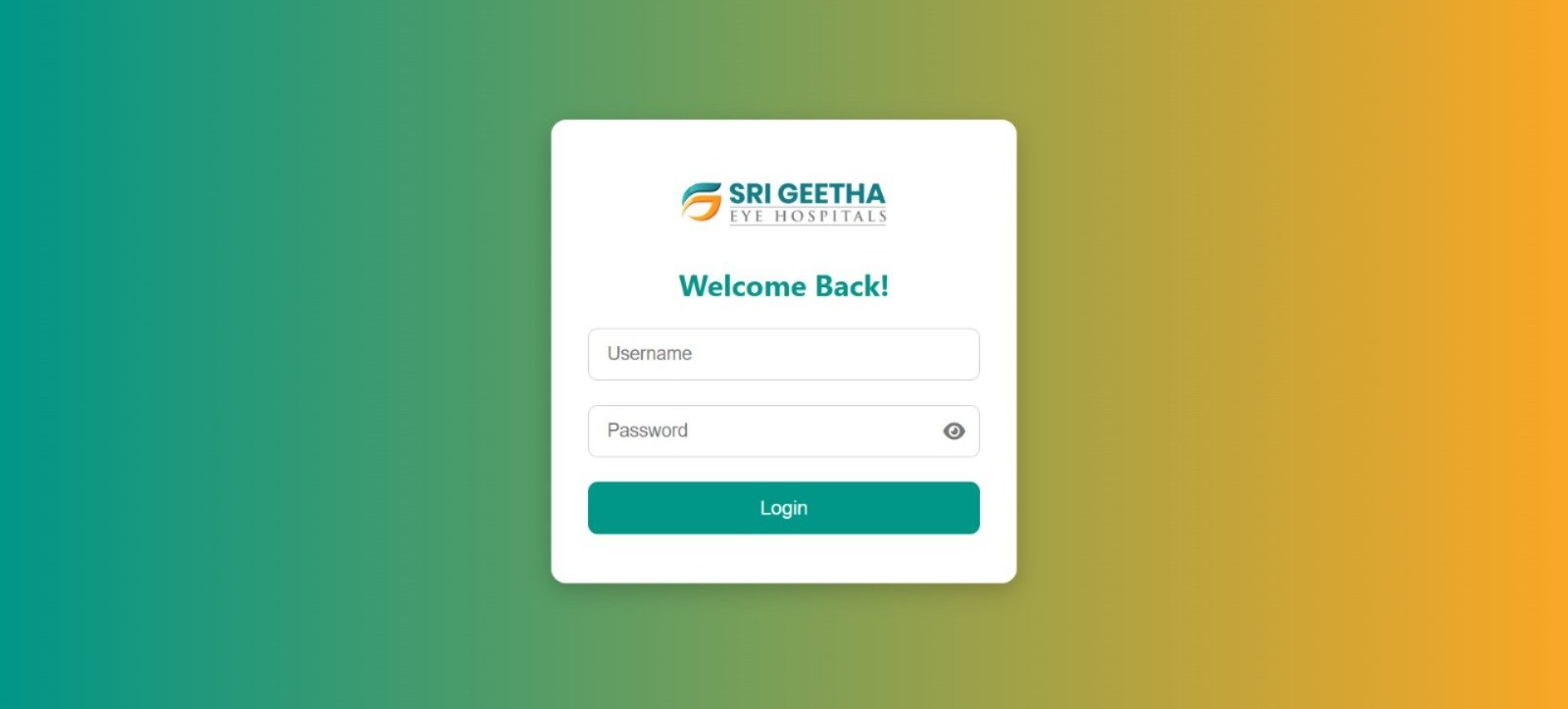
Secure Administrator Login
The login page provides an entry point to the hospital management system. It displays the Sri Geetha Eye Hospitals logo, a Welcome Back heading, username and password fields, a password visibility icon and a Login button.
The centred login card and simple form layout keep the account access interface clear and easy to navigate.
USER AUTHENTICATION INTERFACE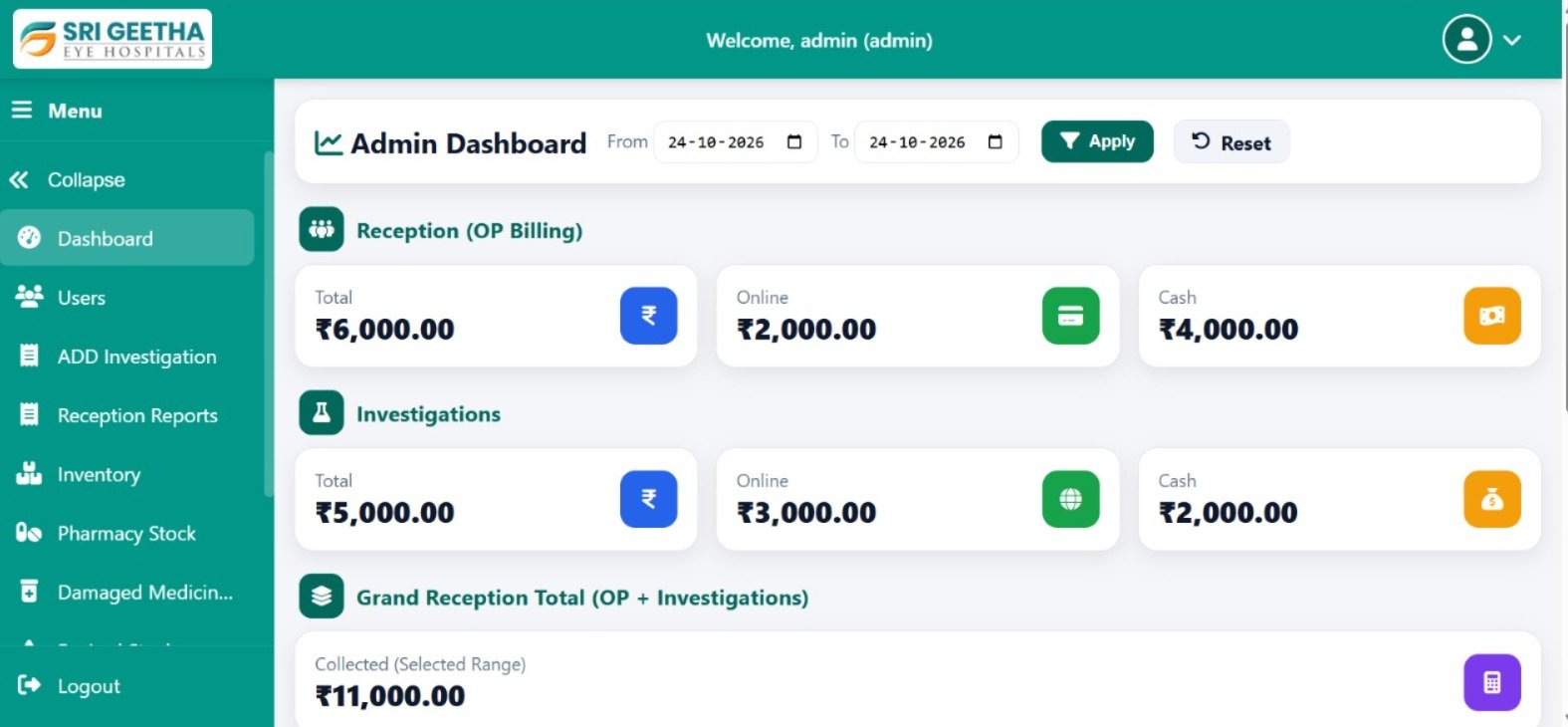
Admin Dashboard
The dashboard welcomes the administrator and displays date-range filters with Apply and Reset controls. The Reception (OP Billing) section summarises total, online and cash collections.
A separate Investigations section presents its own payment summary. The Grand Reception Total section displays the combined collection amount for reception and investigations over the selected range.
The sidebar provides navigation to Dashboard, Users, Add Investigation, Reception Reports, Inventory, Pharmacy Stock and other hospital management modules.
BILLING SUMMARY & NAVIGATION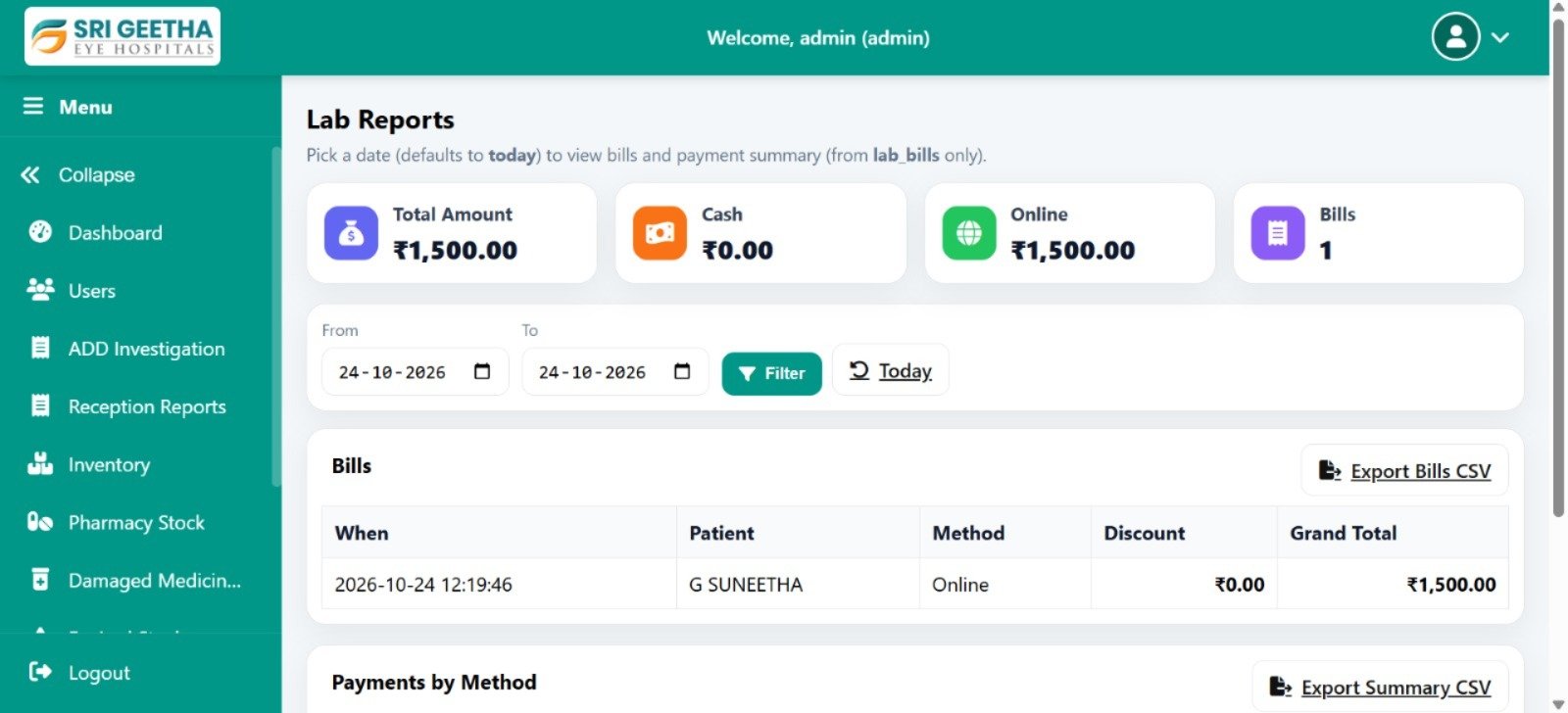
Laboratory Reports
The Lab Reports page presents a summary of laboratory billing information. Summary cards display Total Amount, Cash, Online and Bills counts.
From and To date fields allow users to filter the records for a selected period. A Today control is also available for quick date selection.
The Bills table displays information such as transaction date and time, patient, payment method, discount and grand total. Export options are provided for bills and payment summaries.
LAB BILLING & REPORT EXPORT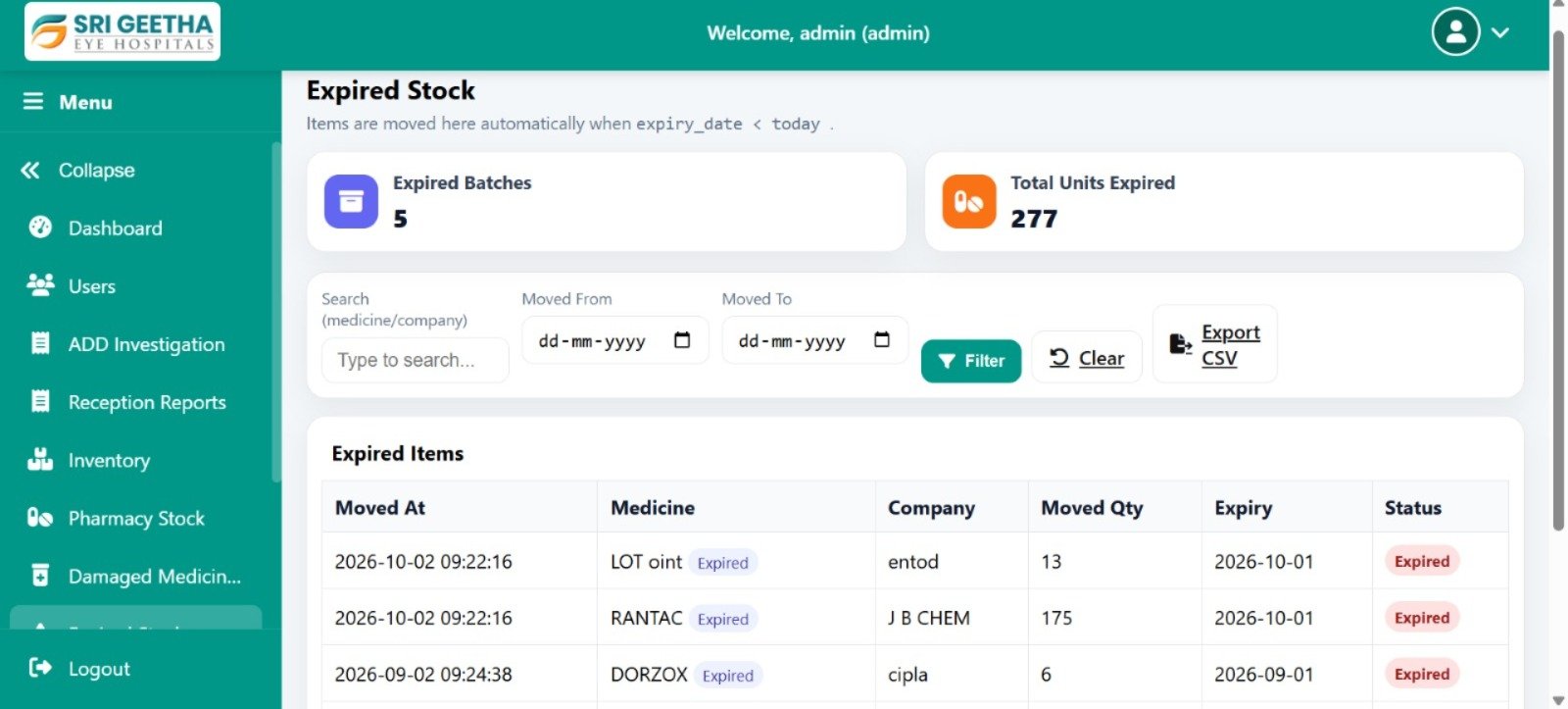
Expired Pharmacy Stock
The Expired Stock page provides an overview of expired pharmacy inventory. Summary cards display the number of expired batches and the total units expired.
The search field allows users to look for a medicine or company. Moved From and Moved To date filters, Filter and Clear controls, and an Export CSV option help organise and export inventory records.
The Expired Items table displays movement date, medicine, company, moved quantity, expiry date and status.
PHARMACY INVENTORY MONITORING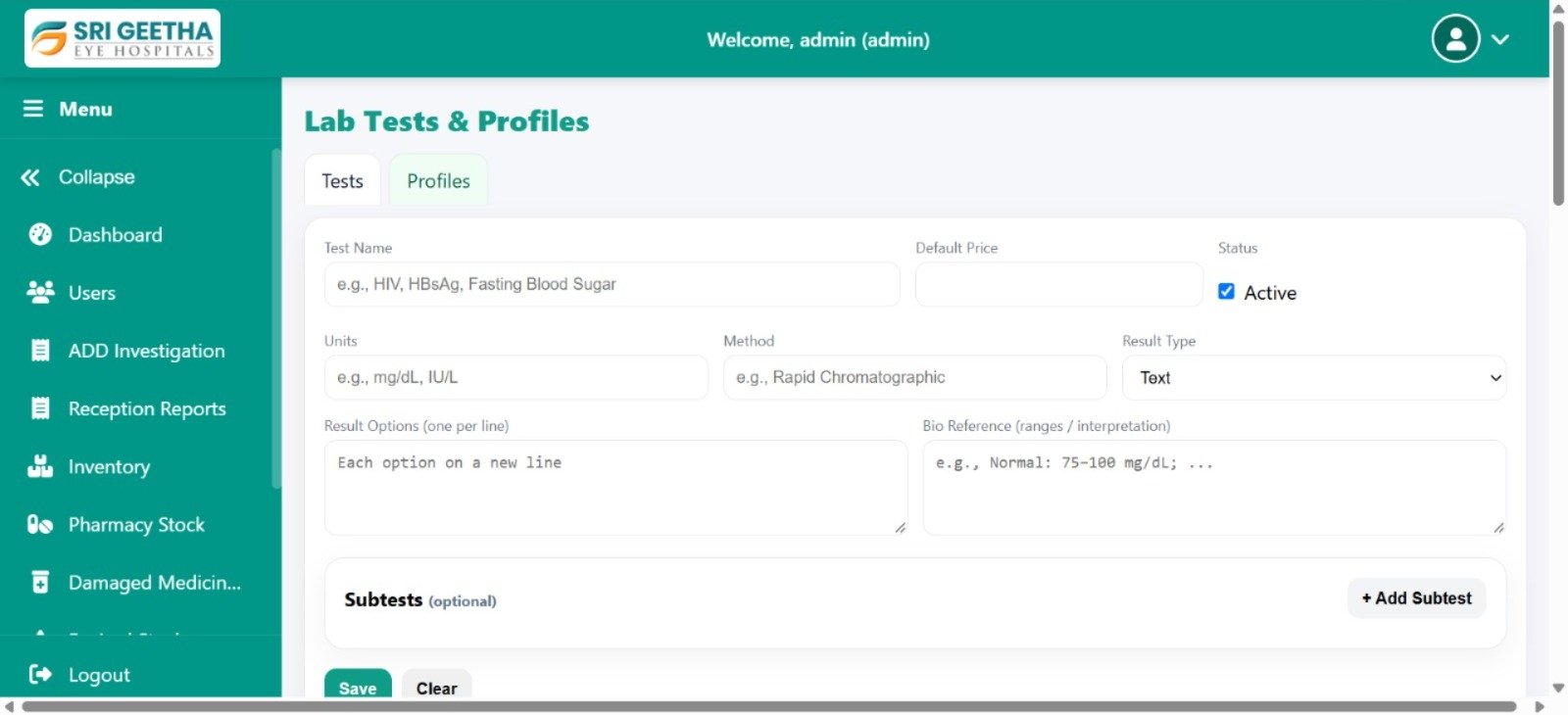
Lab Tests & Profiles
The Lab Tests & Profiles page provides separate tabs for Tests and Profiles. The visible test configuration form includes fields for test name, default price, units, method and result type.
An Active checkbox controls the displayed status. Result Options and Bio Reference fields provide space for recording available result choices and reference ranges or interpretation details.
The Subtests section includes an Add Subtest control, while Save and Clear buttons appear at the bottom of the form.
LAB TEST CONFIGURATIONWant to Know More About This Project?
Contact Atoms Software to learn more about the Sri Geetha Eye Hospitals management interface and its administrative workflows.